Quick Enquiry
Thank you for your query!
Your inquiry has been received. We appreciate your interest.
Our team will review your message and get back to you as soon as possible.

Thank you for your query!
Your inquiry has been received. We appreciate your interest.
Our team will review your message and get back to you as soon as possible.




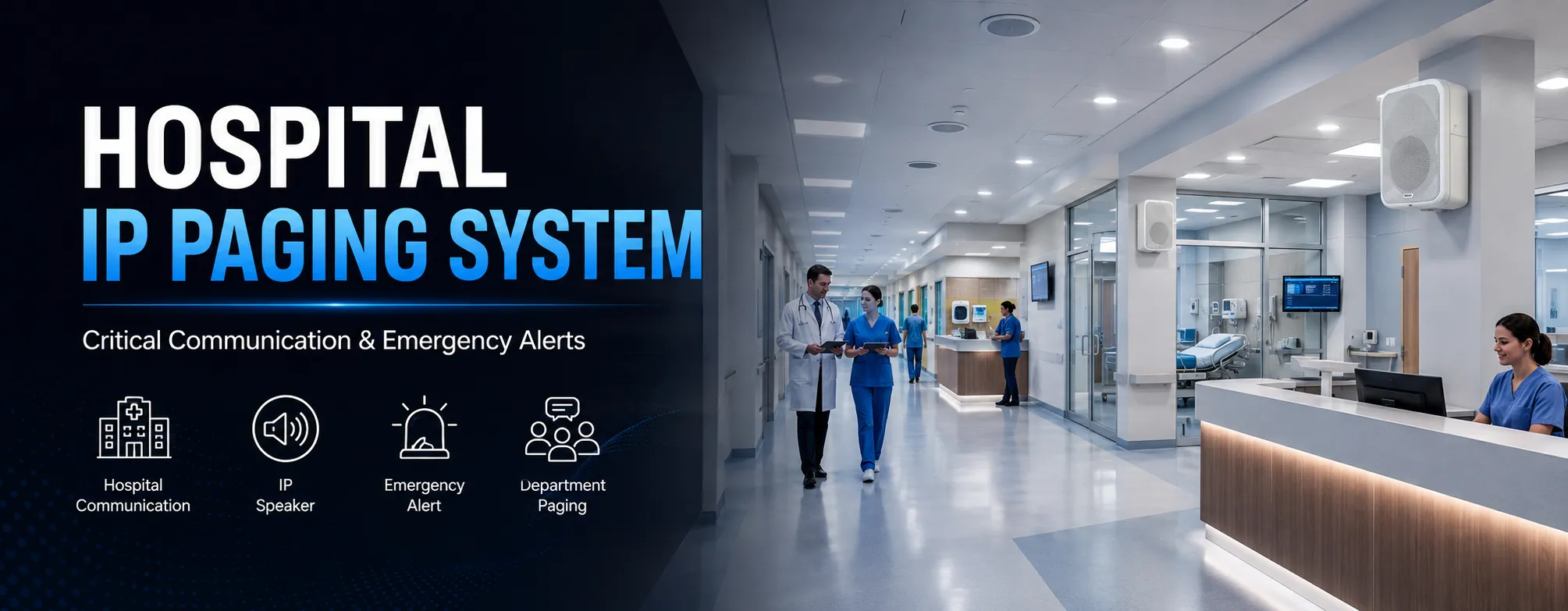
Clear, calm and reliable announcements across wards, nursing stations, waiting areas and corridors. Communicate with patients and staff instantly through your existing IP network.
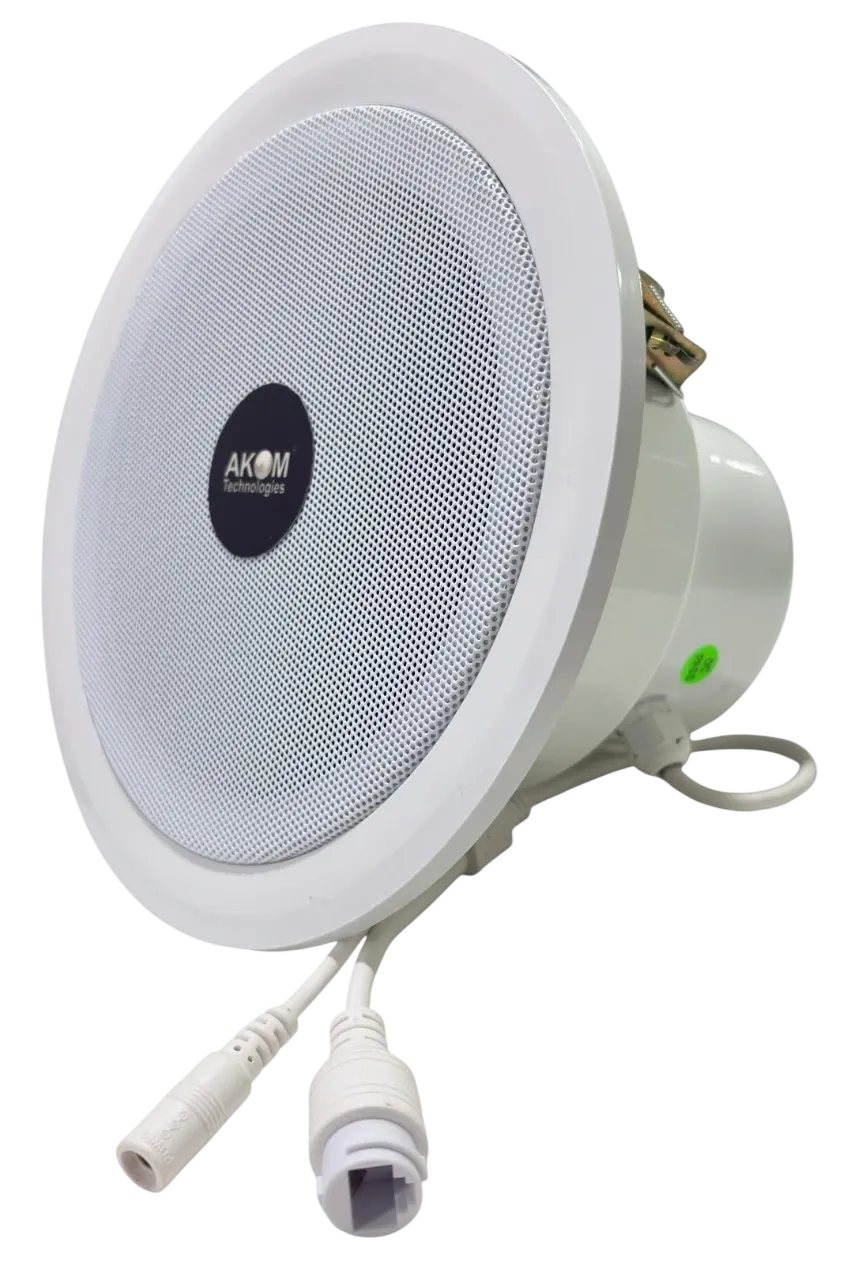
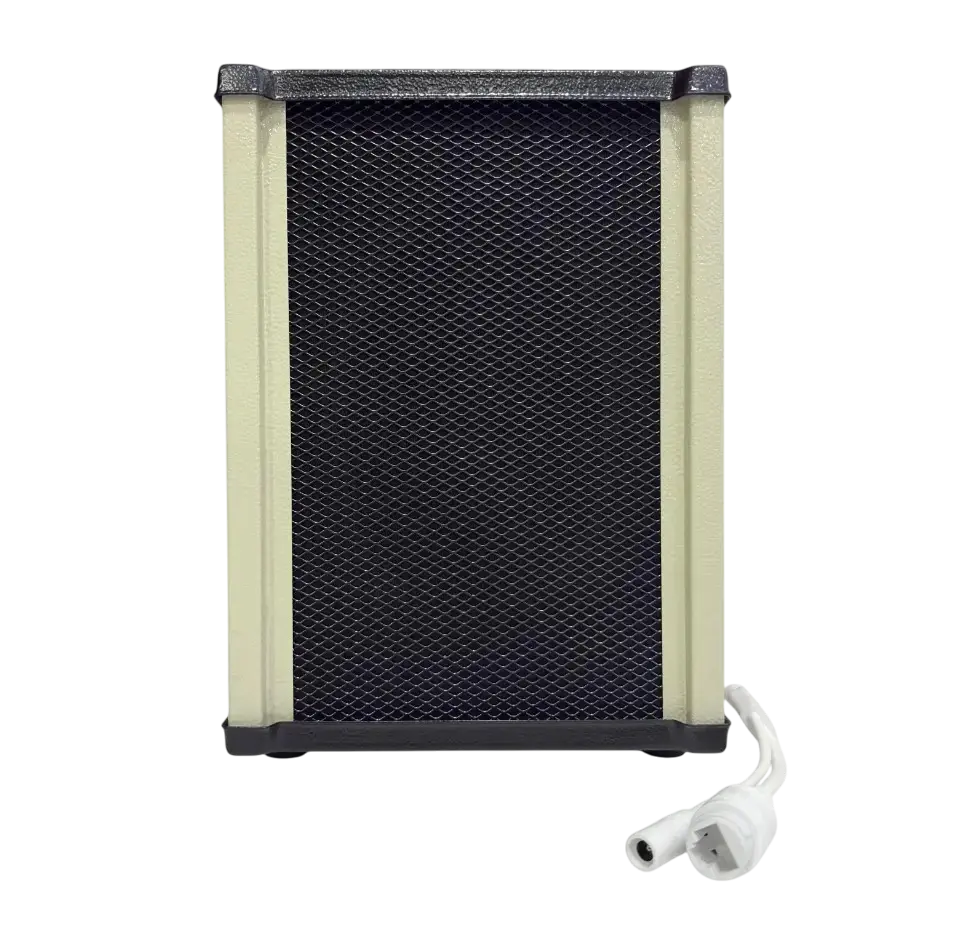
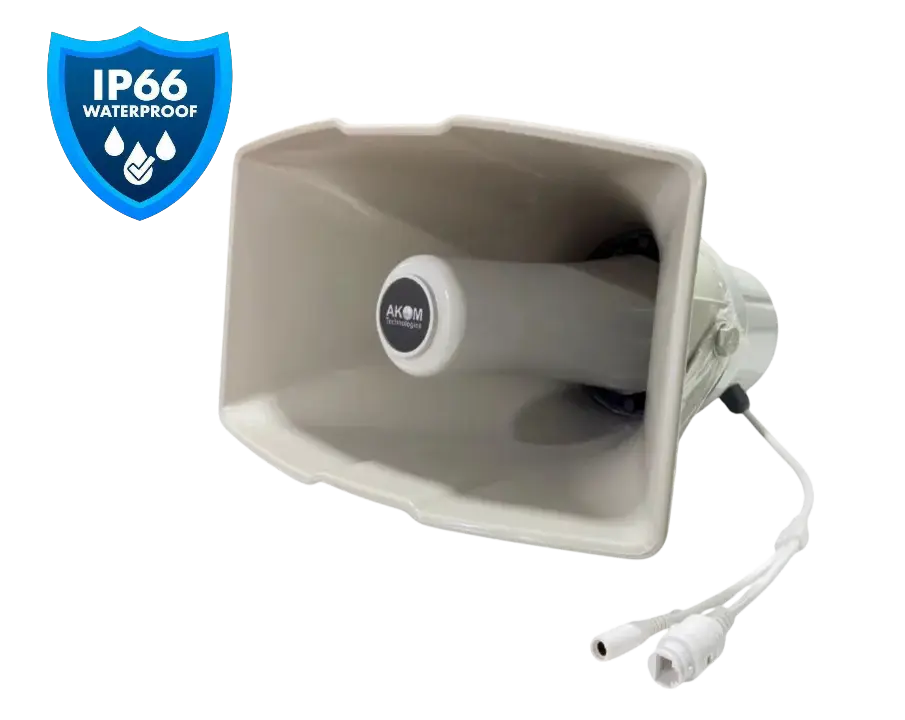
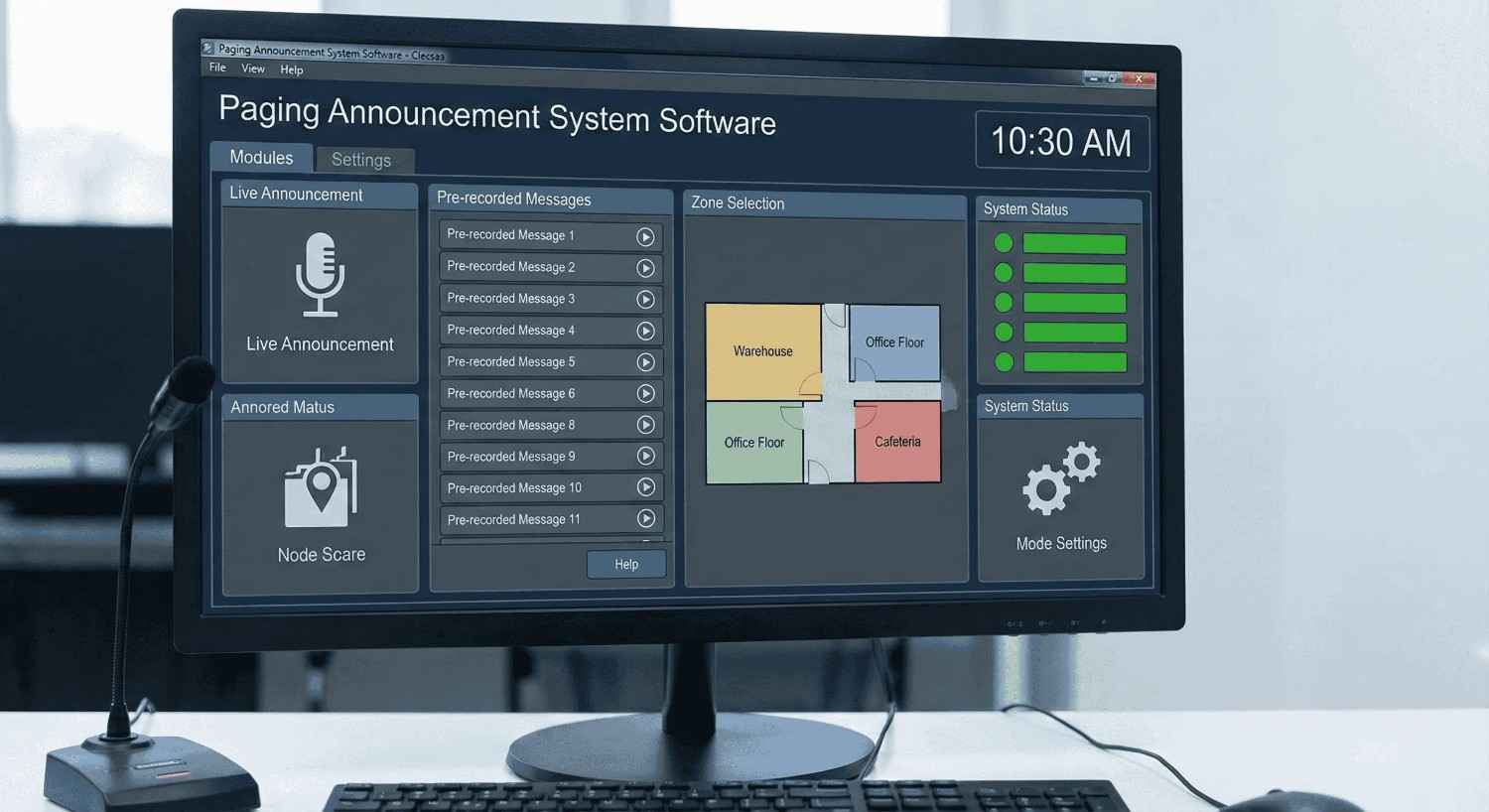
Clear, dependable communication improves patient experience and staff response. AKOM's Hospital IP Paging Solution carries live announcements, scheduled messages and emergency alerts to every ward, nursing station, waiting area and corridor using your existing IP network. Discreet ceiling and wall-mounted IP speakers deliver calm, intelligible audio in patient care and public areas, while horn speakers cover entrances and outdoor zones. Nurses and administrators can make instant pages from the console phone, schedule round announcements and reminders through paging software, or broadcast emergency and fire alerts with priority. Because everything runs on standard SIP/VoIP, the system integrates with the hospital's PBX and nurse-call platforms and can be extended wing by wing as the facility grows.
Send announcements to a single area, a group of zones or the entire facility.
Make instant live pages from the console phone or software with one-to-one, one-to-zone and one-to-all modes.
Broadcast pre-recorded safety alerts and emergency instructions instantly with priority over routine paging.
Automate daily notices, tones, reminders and recurring messages with centralized scheduling.
Works with your existing IP PBX and SIP infrastructure, so phones and intercoms can trigger pages.
Monitor zones, manage permissions and control the entire system from one software dashboard.
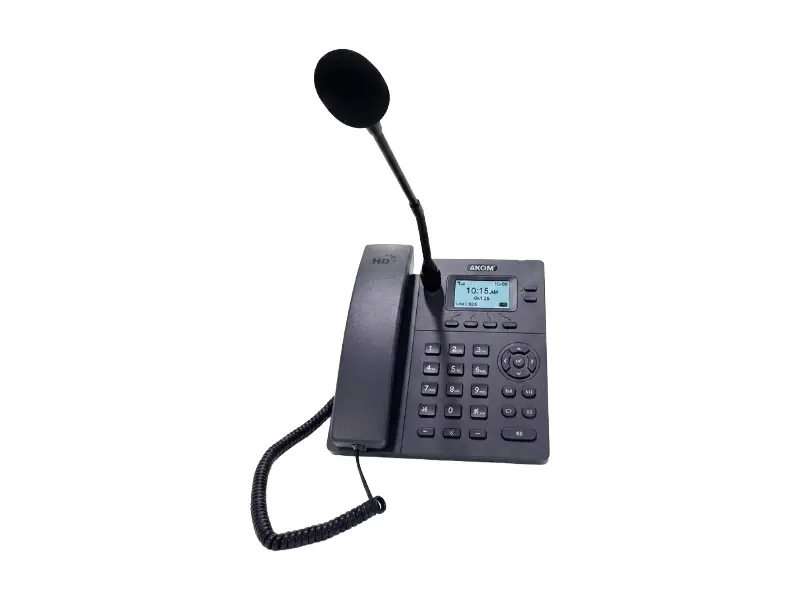
Dedicated console for instant announcements from the control desk.
View ProductHigh-SPL speakers keep announcements audible over machine noise.
One-touch broadcasts reach every zone instantly during an incident.
Page departments independently or combine zones as needed.
Add speakers to new areas by connecting them to your network.
Subscribe to our newsletter for a weekly dose of news, updates, helpful tips, and exclusive device.
 sales@akom.in
 +91-9811829876