Quick Enquiry
Thank you for your query!
Your inquiry has been received. We appreciate your interest.
Our team will review your message and get back to you as soon as possible.

Thank you for your query!
Your inquiry has been received. We appreciate your interest.
Our team will review your message and get back to you as soon as possible.




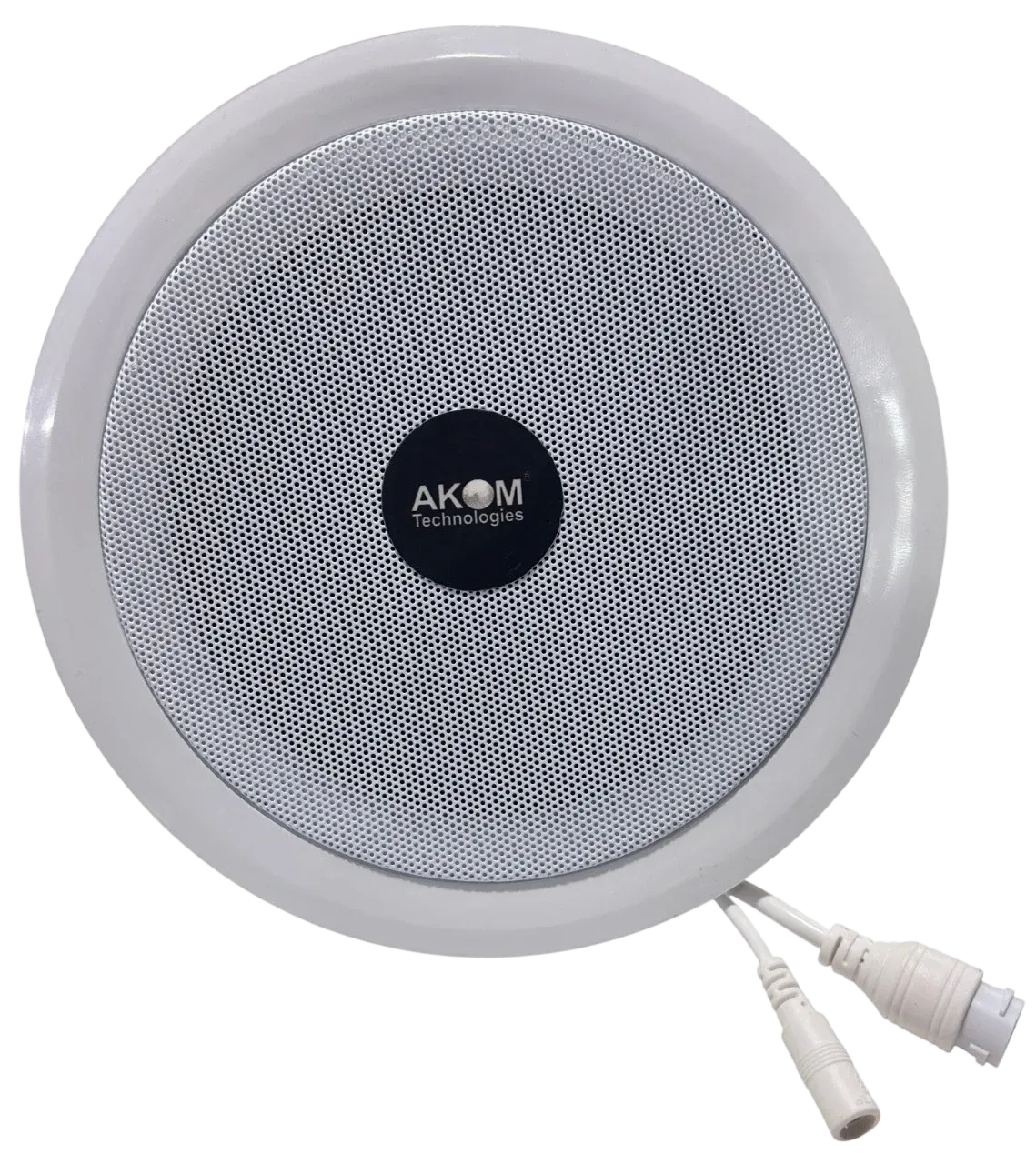
An IP speaker is a network-connected loudspeaker that receives audio as digital data over Ethernet or Wi-Fi instead of through a dedicated analog speaker cable. It plugs into the same IP network as computers, IP phones, and security cameras, is usually powered through Power over Ethernet (PoE), and can be addressed, grouped into zones, and triggered for scheduled or emergency announcements from a central console or software platform.
That single design shift — moving audio from analog cabling to IP networking — is why IP speakers have become the default choice for new public address (PA) and paging installations in offices, schools, hospitals, factories, warehouses, campuses, commercial buildings, and public facilities. A facility that already has structured Ethernet cabling can extend a PA system to a new wing, floor, or building by running network cable and adding switch ports — no separate speaker wiring, no centralized amplifier room, no rigid zone limits imposed by cable runs.
This guide explains what an IP speaker is, how it works, the different types available, where each one fits, what to check before buying, and the mistakes that most often derail an IP speaker project.
An IP speaker is a loudspeaker with a built-in network interface and (usually) an internal amplifier, designed to receive and play audio delivered over an IP network rather than through analog speaker wiring.
Instead of connecting to a central PA amplifier through speaker cable, an IP speaker connects to a standard network switch using an Ethernet cable (RJ45), just like a computer or IP camera. It is assigned a network address and can then:
Because the audio travels as digital network traffic, an IP speaker system depends on the same core building blocks as any other IP-based system:
|
Term |
What it means for an IP speaker |
|
Internet Protocol (IP) |
The addressing scheme that lets each speaker be identified and reached individually on the network |
|
Ethernet |
The physical cabling and switching standard (RJ45, Cat5e/Cat6) used to connect the speaker |
|
Network audio |
Audio encoded as digital data (using a codec) and transmitted as network packets instead of an analog signal |
|
Digital audio / codecs |
The compression format used to encode voice or music — common examples include G.711, G.722, MP3, and OPUS |
|
Centralized control |
The ability to manage every speaker's volume, zone, and scheduling from one software console |
|
Network-based announcements & paging |
Live or pre-recorded messages pushed to one speaker, a zone, or the entire site |
|
Emergency communication |
Alarm-triggered or manually activated announcements for evacuation, fire, or security events |
Because an IP speaker rides on standard network infrastructure, it typically also supports SIP (Session Initiation Protocol), so it can be dialed and paged like an extension on an IP phone system, and often ONVIF, so it can integrate with video management and security platforms.
At a basic level, audio moves through an IP speaker system in five stages:
Audio source → Network / Ethernet → PoE switch or network infrastructure → IP speaker → Audio output
A few technical elements are worth understanding before you buy:
Not every IP speaker is built for the same environment. Choosing the wrong form factor is one of the most common — and most expensive — mistakes in a PA project. The four main types are ceiling, wall mount, horn, and box speakers.
An IP ceiling speaker mounts flush into a false or drop ceiling and disperses sound downward and outward across a room. It is the standard choice for indoor spaces with finished ceilings — offices, classrooms, corridors, waiting areas, and retail floors — where a discreet, evenly distributed sound field matters more than raw output.
Considerations:
A wall mount IP speaker is surface-mounted rather than recessed, making it suitable for rooms without a false ceiling, or where a ceiling speaker isn't practical — corridors, stairwells, retail counters, reception areas, and smaller offices.
Considerations:
An IP horn speaker is built for high-noise, outdoor, or industrial environments — factories, warehouses, loading docks, construction sites, and outdoor campus areas — where announcements need to cut through significant ambient noise over long distances.
Considerations:
An IP box speaker is a self-contained cabinet speaker, often used where a more traditional "PA speaker" form factor is needed — such as mounted on a wall bracket or pole in a warehouse aisle, a gymnasium, or a semi-outdoor covered area that doesn't require full horn-speaker ruggedness.
Considerations:
|
Type |
Best For |
Typical Environment |
Key Consideration |
|
IP Ceiling Speaker |
Offices, classrooms, corridors |
Indoor, finished ceiling |
Even coverage, discreet install |
|
IP Wall Mount Speaker |
Reception areas, retail, stairwells |
Indoor, no false ceiling |
Retrofit-friendly, directional |
|
IP Horn Speaker |
Factories, warehouses, outdoor areas |
High-noise, outdoor/industrial |
Weatherproofing, projection distance |
|
IP Box Speaker |
Gymnasiums, covered outdoor areas |
Semi-outdoor, moderate noise |
Balance of output and discretion |
IP speakers are not universally "better" than traditional analog PA speakers — they solve a different set of problems, and the right choice depends on the site.
|
Factor |
IP Speaker |
Traditional Analog PA Speaker |
|
Connectivity |
Connects via Ethernet/network switch |
Connects via dedicated speaker wire to a central amplifier |
|
Cabling |
Standard Cat5e/Cat6 network cable |
Speaker-rated cable, often 70V/100V line |
|
Amplification |
Usually built into each speaker |
Centralized amplifier drives multiple speakers |
|
Scalability |
Add speakers by extending the network; new zones don't require new home-run cabling |
Adding zones or speakers often means new cable runs back to the amplifier |
|
Remote management |
Configure, monitor, and update speakers from software, often from any network location |
Limited to what the physical amplifier/controller supports |
|
Zone control |
Software-defined zones, easy to reconfigure |
Zones are largely fixed by how the wiring was originally installed |
|
SIP/VoIP integration |
Native or add-on support for paging via IP phones/PBX |
Requires a separate paging gateway to bridge into a VoIP environment |
|
Emergency announcements |
Can be automated via network triggers/alarm inputs per zone |
Depends on the amplifier/controller's alarm integration capability |
|
Maintenance |
Faults are often isolated to a single network device; can be diagnosed remotely |
A wiring fault can affect the health of an entire analog zone |
|
Expansion |
Straightforward where network infrastructure already exists |
Can be more cost-effective for small, fixed installations with no future expansion plans |
When analog PA still makes sense: a small, single-zone installation with no plans to expand, no need for SIP/VoIP paging, and no existing IT network to leverage may be served adequately — and more cheaply — by a traditional analog PA amplifier and speaker set. IP speakers earn their advantage in multi-zone, multi-building, or IT-integrated environments, and in sites that expect to grow.
This is one of the most commonly confused distinctions in the category, and it's worth being precise about it.
An IP speaker is any speaker that connects to and communicates over an IP network. SIP is one of several protocols an IP speaker can support to make that communication possible for voice paging specifically.
Subscribe to our newsletter for a weekly dose of news, updates, helpful tips, and exclusive device.
 sales@akom.in
 +91-9811829876