Quick Enquiry
Thank you for your query!
Your inquiry has been received. We appreciate your interest.
Our team will review your message and get back to you as soon as possible.

Thank you for your query!
Your inquiry has been received. We appreciate your interest.
Our team will review your message and get back to you as soon as possible.




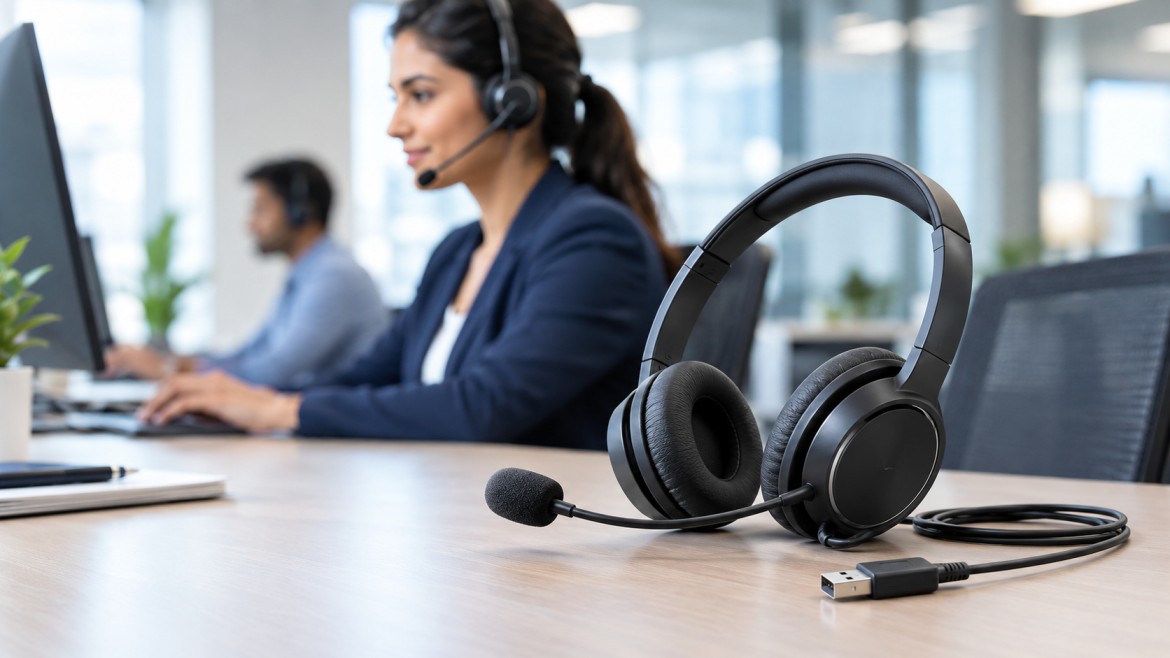
Businesses that handle customer calls, online meetings, and remote support rely on straightforward communication. Office noise, background conversations, and surrounding distractions can impact your call quality and make it difficult for employees to communicate professionally. Choosing the right headset can help with clarity of voice, comfort, and productivity in everyday life.
A USB headset with microphone noise canceling is a practical solution if you spend your working day communicating with people on your computer, whether you work in a call center, a business process outsourcing (BPO) company, or a customer support team. It plugs into a USB port and has a built-in microphone that is designed to suppress background noise during calls.
As more companies in India adopt digital communication, VoIP apps, and customer service operations, a professional USB headset can help with more consistent communication. Not all headsets, however, are equal in terms of microphone performance, comfort, or compatibility.
This detailed buying guide describes the key features, benefits, uses, and considerations before selecting a suitable USB headset for your workplace.
What is a USB headset with a noise-canceling microphone?
USB headset with noise-canceling microphone: A USB headset with a noise-canceling microphone is an audio device that combines a microphone and headphones into one. It connects to a compatible computer or laptop by USB, allowing users to listen and speak without having a phone in their hand.
The noise-canceling microphone is designed to reduce sounds picked up from your surroundings during conversations. Depending on the model, noise reduction can be dependent on directional microphone design, multiple microphones, or digital signal processing.
These headsets are particularly useful in shared offices and busy call centers where several employees may be talking at the same time.
For example, a customer service representative could be on the phone with a customer, and agents nearby could take their own calls. A well-designed microphone that rejects noise can help you focus on the voice of the representative and minimize distracting background sounds.
AKOM Technologies provides USB headsets for professional communication environments. If you're after headsets for business use, a USB headset for call centers is worth considering.
Key Features to Consider When Purchasing a USB Headset
1. Mic with Noise Canceling
A microphone is one of the most vital parts of a professional headset. A good noise-canceling microphone helps cut out unwanted office chatter, keyboard sounds, and other ambient noise from the transmitted voice.
When shopping for a USB headset microphone with noise canceling, look at the microphone’s noise rejection and pickup pattern. A directional microphone can help focus on speech coming from the user's location.
Note: A noise-canceling microphone doesn’t necessarily eliminate all background noise. Performance depends on microphone design, placement, and surrounding environment.
2. Good Sound Quality
A headset should reproduce speech clearly so users can understand customers, colleagues, and meeting participants without asking them to repeat themselves over and over.
Expect good balanced audio, reliable voice reproduction, and appropriate volume controls. For call-center work, speech intelligibility is usually more important than powerful bass or features that are mainly aimed at music listening.
Good audio quality makes daily communication more effective and comfortable.
3. Ergonomic design for prolonged use
Headsets are used by customer service representatives and office workers for many hours each day. If a headset is uncomfortable, it can be distracting during long shifts.
Look for a lightweight design, an adjustable headband, cushioned ear pads, and a microphone boom that can be easily positioned. The headset should fit snugly, but not press too hard against your head or ears.
If you have a larger team, it can be worth trying a sample headset before buying in bulk.
4. USB Connectivity & Compatibility
A headset can connect directly to a compatible computer or laptop with USB connectivity. Many models are designed for plug-and-play operation, which can simplify installation.
Make sure that the headset you buy is compatible with your organization’s communication applications and operating system. Check if it’s USB-A or USB-C, too, and if you’ll need an adapter.
If your business uses desk phones instead of calling from a computer, make sure to check the connection requirements very carefully. Not all telephone systems will automatically work with a USB headset.
5. Inline controls and microphone mute
The easy-to-use controls let users change the volume or mute the microphone without navigating through software menus.
This is especially helpful for customer service reps who want to mute their microphones during internal discussions or short interruptions.
Some models include call-answer or call-end controls as well, but these features often depend on compatibility with the calling application.
6. Robust construction
Headsets in call centers may be used all day long and may be shared across large teams. Materials are strong, cables reliable, microphone arms flexible, and connectors secure, which can help support regular use.
Before buying in bulk, check the manufacturer's specs, warranty terms, and availability of replacement parts.
A more expensive headset that lasts longer might be a better long-term value than a cheaper one that needs to be replaced often.
7. Mono and Stereo Design
Mono headsets have one earpiece, so the other ear is free to a degree to pick up sounds around you. They may be appropriate for scenarios where agents need to know about their colleagues.
Stereo headsets have two earpieces that can help users focus on calls by physically blocking out some of the surrounding noise.
The right choice is determined by workplace requirements, employee preferences, and the required level of concentration.
Advantages of a USB Headset with a Noise-canceling Microphone
Improved Customer Communication
Clearer transmission of the voice helps customers better understand agents. A good headset can help eliminate distracting background noise, leading to smoother conversations and a more professional customer experience.
Increased productivity
When audio quality is stable, employees spend less time rehashing information or tinkering with their equipment. The daily workflow can also be streamlined by simple USB connectivity and user-friendly controls.
Minimize Background Distractions
Open-plan offices and shared workspaces get easier calls with noise-rejecting microphones. The stereo earcups may offer some additional passive isolation to the wearer as well.
But microphone noise cancelation is not the same technology as active noise cancelation. ANC reduces the ambient sound you hear, while microphone noise cancelation reduces the sound sent to the other person.
Easier workspace setup
USB headsets are easier to deploy across computer-based workstations. Organizations can standardize equipment, test compatibility, and set up headsets for commonly used calling applications.
This is useful for growing businesses that need to efficiently equip multiple agents.
More Comfortable for Longer Use
A good-fitting headset is more comfortable for long conversations, as it frees up both hands. Lightweight construction and good cushioning may also help to improve the wearing experience during the working day.
Comfort is still personal, so wherever possible employees should try the fit on.
USB Headset Applications with Noise Cancellation
BPO Companies and Call Centers
The most common place to find professional USB headsets is in call centers. Agents work with lots of customer interactions, and clear microphone performance is important in shared workspaces.
Office Addresses
Office workers use headsets to take part in video conferences, internal meetings, online presentations, and customer calls. They are convenient for compatible desktop and laptop systems because of USB connectivity.
Remote Employment and Work from Home Setups
Remote professionals may be working from rooms with background sounds such as traffic, family conversations, or other noise. A good noise-canceling microphone can improve the voice quality in the online meeting.
Sales & Telemarketing Team
Sales reps make a lot of outbound calls. A reliable headset, with an adjustable mic and easy mute controls, can help you get through calls more efficiently.
Help Desks and Technical Support
Technical support agents must be able to clearly explain solutions and be good listeners. Comfortable design and good reproduction of speech can help make longer support sessions more bearable.
How to Pick the Right USB Headset for Your Business
Here are some practical steps to consider before choosing a USB headset with a microphone. noise-canceling:
1. Identify the use case: Determine if the headset is for customer support, sales, video meetings, or general office work.
2. Assess the environment: Think about background noise, desk spacing, and whether employees need to hear conversations nearby.
3. Microphone performance test: Test the microphone’s ability to pick up speech in real-world working conditions.
4. Verify compatibility: Make sure the USB connector type, operating system support, and compatibility with your calling software are correct.
5. Comfort first: Check weight, headband adjustment, cushioning, and microphone position.
6. Durability and warranty check: Take into account daily use, cable strength, service support, and replacement options.
7. Compare total cost: Look at the purchase price, expected lifespan, and maintenance and replacement cost of the equipment.
8. Test Before Bulk Purchase: If possible, arrange for a demonstration or trial to assess sound quality and employee comfort.
Companies looking for professional communication equipment can browse the AKOM USB headset range for features and product specs.
Why opt for AKOM Professional USB Headsets?
AKOM Technologies offers professional communication equipment, including call-center headset solutions. When choosing equipment for their teams, businesses should consider microphone noise reduction, comfort of wear, connectivity, and compatibility with their systems.
Organizations buying a number of headsets should check the product specifications, models available, warranty conditions, and support options to ensure the equipment selected meets operational needs.
If you are starting a new customer support team or upgrading an existing call center, choosing a headset based on practical requirements can help to support consistent communication and employee comfort.
Conclusions
A USB headset with microphone noise canceling is a great tool for businesses that depend on clear and reliable voice communication. Whether you work at a call center or BPO company, in a corporate office, or remotely, the right headset can help you reduce distracting background sounds, improve the clarity of your calls, and allow for more convenient everyday communication.
Compare microphone performance, audio quality, comfort, USB compatibility, controls, and durability before buying. Microphone noise canceling improves the quality of the voice that is sent out; active noise canceling mostly cancels out the sound that is heard by the person wearing the headphones.
USB Headset for Business in India: AKOM Technologies offers USB headset solutions for businesses looking for professional communication equipment for their workplace. You can pick a headset that fits your team’s needs and budget by looking at the specifications and trying out a good model.
Frequently Asked Questions
1. What is a USB headset with microphone noise canceling?
It's a USB headset that connects to a compatible computer and features a microphone designed to reduce unwanted background noise during calls. It’s widely deployed in call centers, offices, and telecommuting environments.
2. Does a noise-canceling microphone cut out all background noise?
No. It can help reduce unwanted ambient sounds, but it will depend on the design of the microphone, where it is positioned, the levels of background noise, and any digital processing that the headset may use.
3. Are USB headsets good for call centers?
Yes, USB headsets are nice for many computer-based call-center operations, as they provide easy connectivity and can provide clear voice communication. Ensure that it is compatible with the organization’s calling software.
4. What’s the difference between ANC and microphone noise cancelation?
Microphone noise cancelation eliminates background noise from the voice you send to the other person. Active noise cancelation, or ANC, is a sound-processing technology that reduces background noise that the headset wearer hears.
5. What should I look for to find a comfortable headset for long working hours?
Look for a lightweight design, an adjustable headband, cushioned ear pads, and a flexible microphone boom. If possible, try out the headset during a typical work session before buying it for a team.
6. Can I use a USB headset with my laptop for online meetings?
Yes, as long as the headset is compatible with the laptop’s USB port and the meeting application. Choose it as the input and output audio device of your system or meeting software.
Subscribe to our newsletter for a weekly dose of news, updates, helpful tips, and exclusive device.
 sales@akom.in
 +91-9811829876